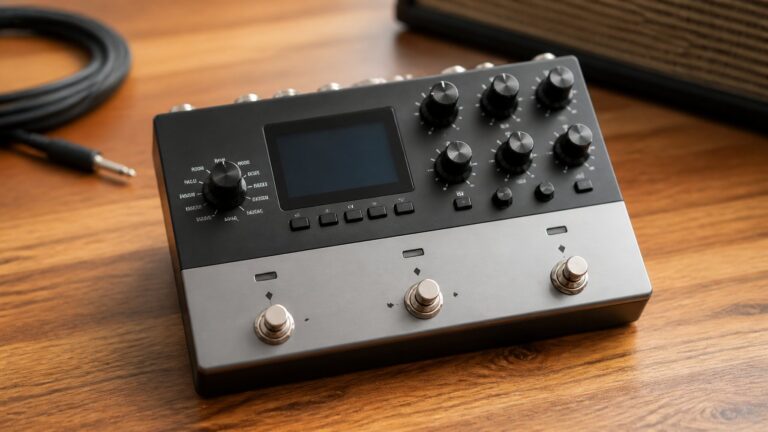
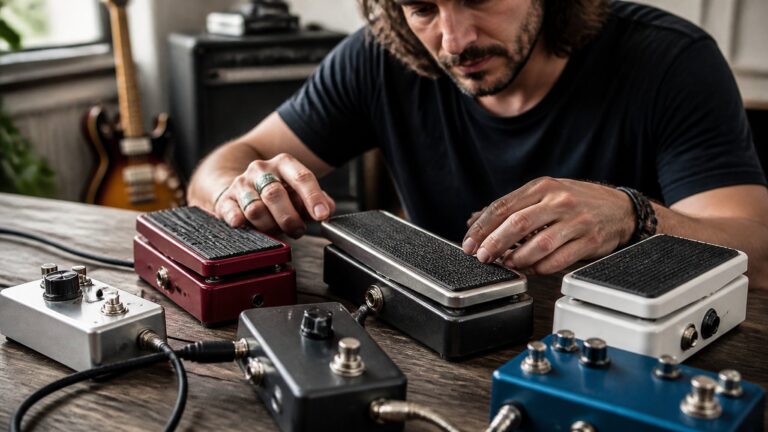
How To Choose The Best Octave Pedal For Your Rig
Things to Think About…
Choosing the right octave pedal looks easy until you’re staring at a wall of options in a gear shop, all with similar spec sheets and no clear winner. I’ve been there, made my share of mistakes, and figured out which questions you actually need to ask before dropping any cash.
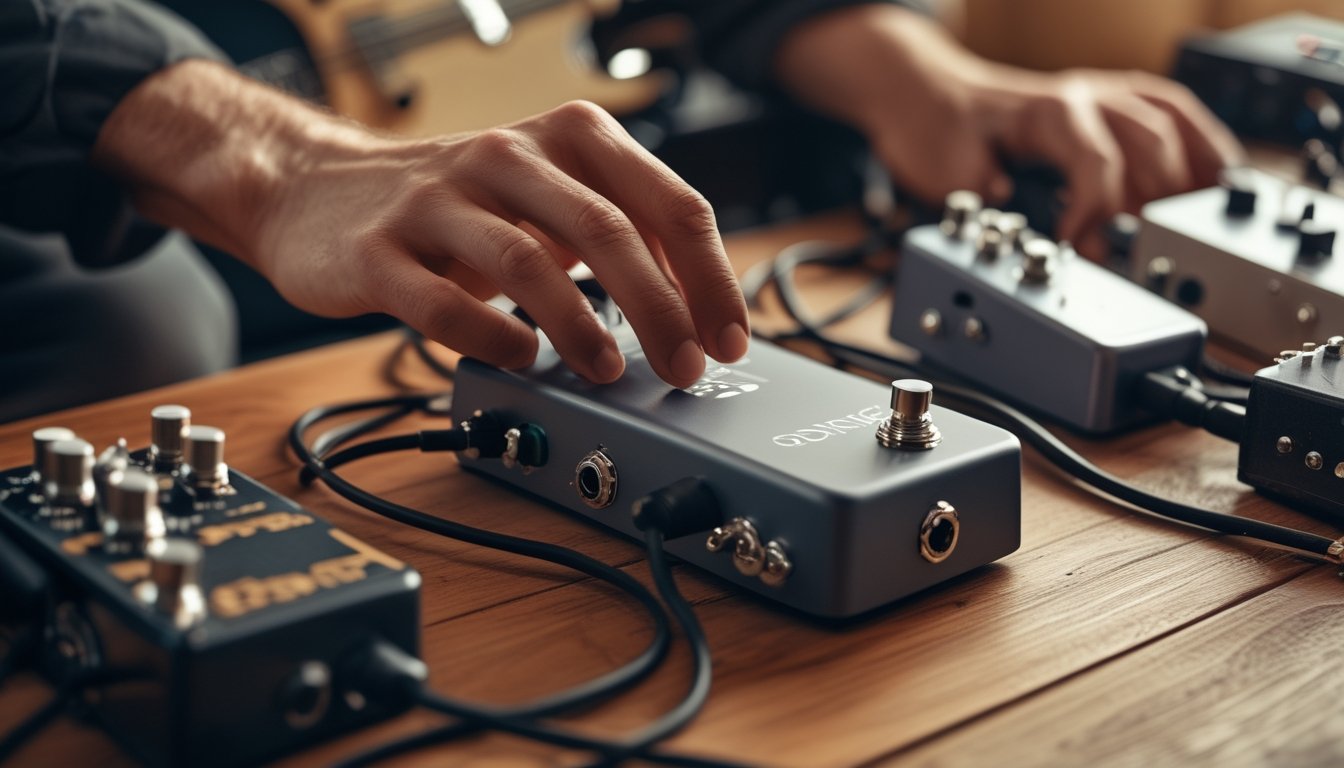
The right octave pedal can thicken your sound, fake a bass line, or launch your rig into wild and unexpected sonic territory. The wrong one? It’ll glitch on chords, hog space, and probably annoy you every time you step on it.
This guide zeroes in on what actually matters: tracking, analog vs digital feel, features worth the money, and which models really hold up in the wild.
Whether you’re picking out your first octave pedal or ditching one that never quite tracked right, I’ll help you find the one that fits your playing, setup, and wallet.
Key Takeaways
- Match the pedal to your playing style—chords, single notes, or bass—before anything else.
- Tracking, analog/digital feel, and blend controls are what separate great pedals from frustrating ones.
- Benchmark models like the Boss OC-5 and Electro-Harmonix Micro POG help you compare the rest of the field.
Match The Pedal To Your Playing Style
Way too many players buy an octave pedal based on a killer YouTube demo, only to realize the demo was nothing like their own style. Your playing, your instrument, and what you want to do with the effect—that’s what should drive your choice.
Choosing For Chords Vs Single-Note Lines
Layering octaves on single-note lines is pretty forgiving. Even budget pedals can usually track a single note and spit out a usable octave.
Chords? That’s where things get messy. If you want your octave pedal to track chords or intervals cleanly, you need a polyphonic pedal. Monophonic pedals just can’t handle chords—they’ll glitch and sound like a mess in the mix.
When You Need Octave Down, Octave Up, Or Both
Octave down is the classic move for fat bass lines, heavy rhythms, and that slightly wobbly analog low-end. If that’s your thing, a pedal focused on octave down is probably your best bet.
Octave up brings a brighter, almost 12-string or synthy vibe—perfect for clean tones or light drive. The Digitech Drop is all about pitch-down, and it nails it. The Electro-Harmonix Micro POG gives you both sub-octave and octave up at the same time with easy blend controls.
If you want both at once, make sure the pedal can handle dual octaves without falling apart on tracking.
Picking For Guitar, Bass, And Drop-Tuned Rigs
Bass players need an octave pedal that doesn’t lose clarity on low notes. Dedicated bass units with a dry output are usually the way to go, so you don’t lose your fundamental tone.
Drop-tuned guitars add another wrinkle. The Digitech Drop is built for this, offering polyphonic pitch drops with almost zero lag—it feels like a new instrument, not just an effect. For standard tuning, the Boss OC-5 handles both guitar and bass in one box, which is super handy if you switch instruments.
Harmonizer pedals can sort of do this, but honestly, dedicated octave pedals just track and feel better for pure octave work.
Judge Tracking, Feel, And Sound Quality
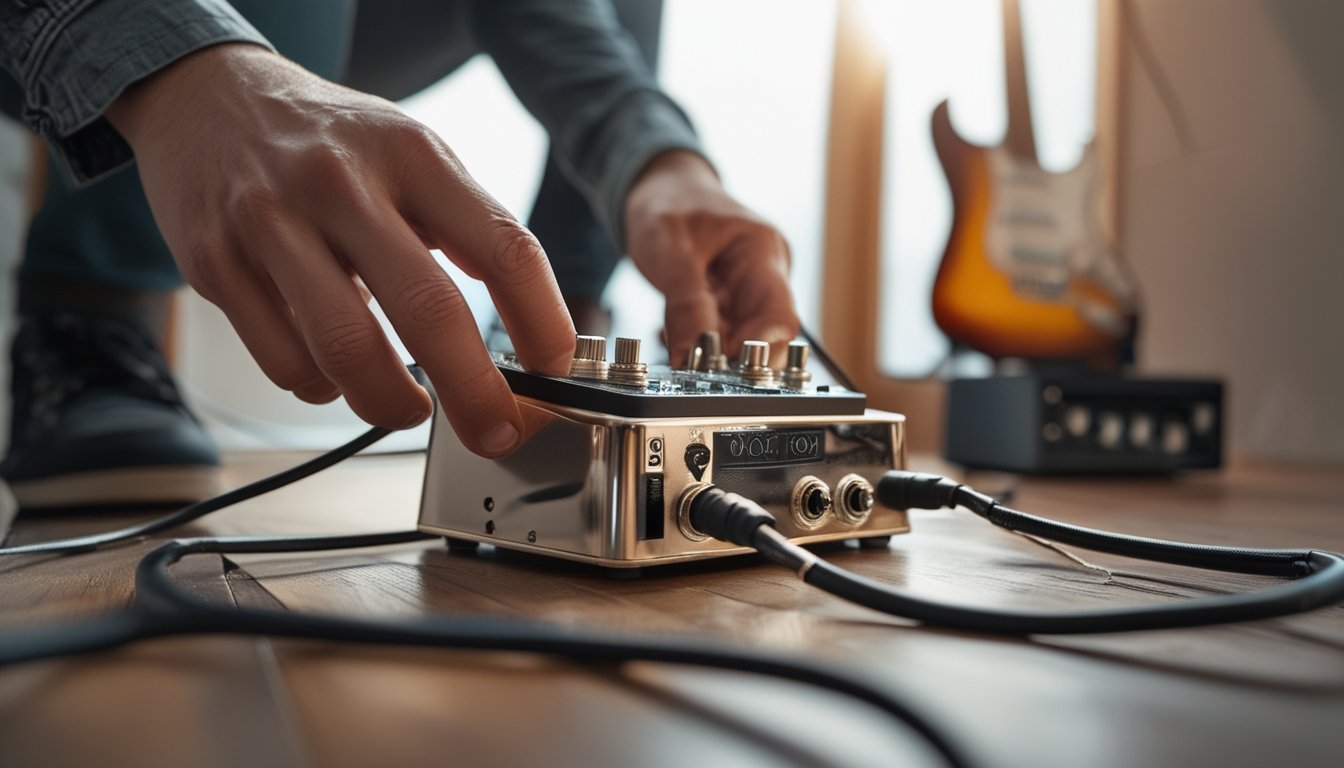
Tracking quality is everything with octave pedals. You just can’t get the full picture from a product listing. The difference between a pedal that locks onto your playing and one that stutters under fast runs is huge.
Polyphonic Tracking Vs Monophonic Character
Polyphonic pedals like the Electro-Harmonix POG2 or MXR Poly Blue Octave read multiple notes at once and shift each one, so you get clean chords without weird artifacts. That’s a lifesaver for rhythm players.
Monophonic pedals are built for single-note lines. They usually sound warmer and more organic—some players prefer that character for leads. There’s a musicality to them that polyphonic shifters sometimes miss.
There’s no right or wrong here. Just different flavors.
Analog Vs Digital Response
Analog octave pedals use division circuits, not pitch detection. You end up with a fatter, looser sub-octave sound—great for blues and fuzz. The catch? They need a clean signal and work best on single notes around the middle of the neck.
Digital pedals track your signal with pitch detection, so they’re cleaner, quicker, and handle chords way better. They often come with cool features like dual outputs, dry signal separation, and steady headroom so your response stays even no matter how hard you play.
How Octave Range And Blend Controls Affect Usability
Octave range—how far up or down the pedal goes—sets its versatility. Most folks find one octave up and one or two down covers most needs.
Blend controls are crucial. A good blend knob (or dry output) lets you mix your original sound with the octave, which is huge for bassists who need their low end and guitarists who just want to add texture. Without blend, you’re stuck with whatever mix the pedal gives you, and that can be limiting.
Focus On Features That Matter On A Pedalboard
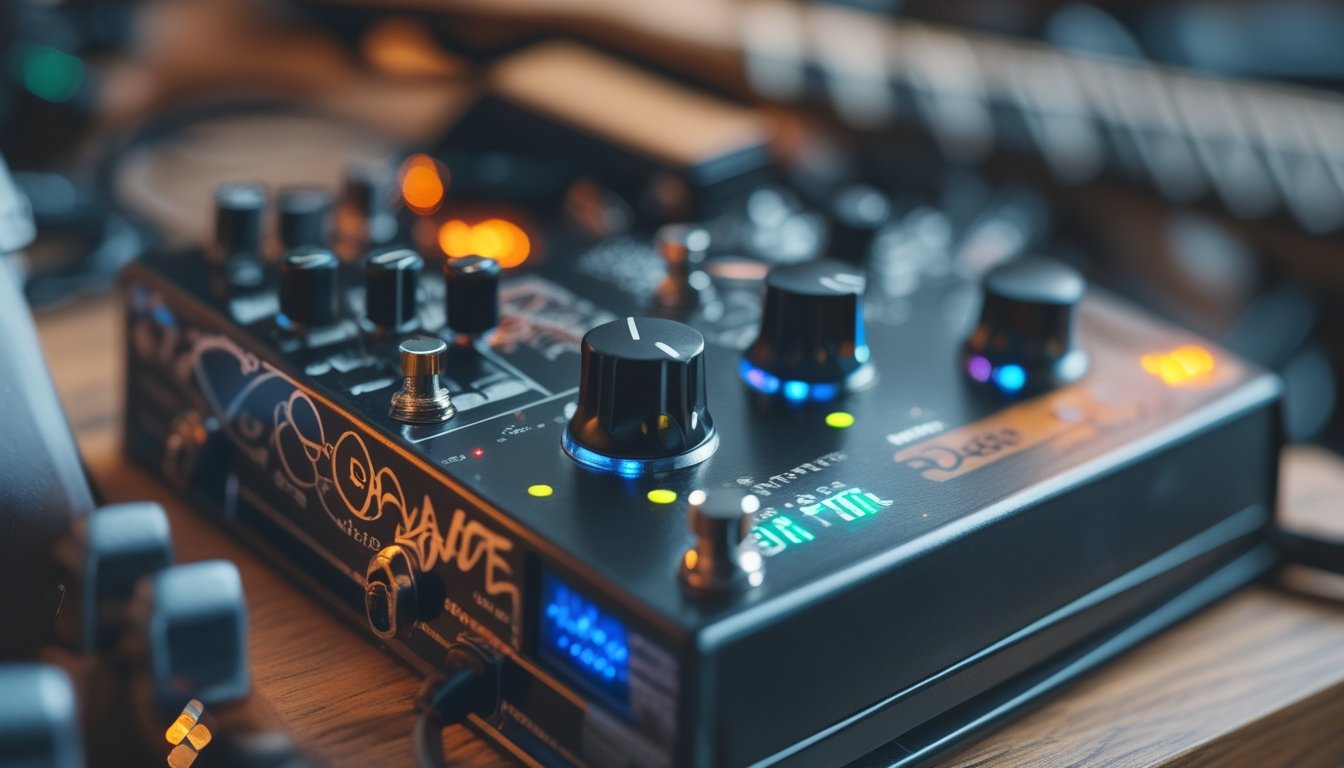
Once you know the sound you want, pedalboard features decide if the pedal stays or gets booted. I’ve kicked pedals off my board just for weird power needs or noisy bypass—super annoying to find out after you’ve bought it.
Bypass, Power, And Routing Basics
True bypass is nice, but not everything. A good buffered bypass can actually help on big boards with long cables, keeping your tone from getting dull. The real test is whether the pedal leaves your dry sound untouched when off.
Stick to pedals that run on a standard 9V supply—it keeps things simple. Some bigger pedals draw more current, so check the milliamp rating if you’re using a fancy power supply.
Dual outputs, like on the Micro POG, let you run stereo amps or split dry/wet signals. That can add real depth to your live or studio sound.
Extra Controls That Expand Creative Options
An expression pedal input turns an octave pedal from a set-and-forget into something you can play with on the fly. Sweeping from dry to full octave or blending in real time gives you sounds a knob just can’t match.
Detune modes, which shift pitch just enough to create a chorus shimmer, add a whole new voice without needing another pedal. The JHS 3 Series Octave Reverb even pairs octave with reverb in one box. Stuff like Toneprint on TC Electronic pedals lets you load custom sounds from the app, which is wild for deep editing without crowding your board.
Compact Convenience Vs Deep Editing
Compact pedals are a lifesaver when space is tight. If you just need a couple knobs and a switch to get your sound fast, small form factors keep your setup manageable.
Bigger, menu-driven pedals offer more voices and routing, but they eat up space and take longer to dial in. It really comes down to how much you rely on octave in your sound, and whether you need to tweak it in a hurry.
Use Popular Models As Buying Benchmarks
Using well-known models as reference points is easily the fastest way to set your expectations. If you know what the Boss OC-5 does well, you know exactly what you’re judging when you try something cheaper or fancier.
Best All-Rounders For Most Players
Boss OC-5: This one’s the standard for reliable, flexible octave sounds. It works for both guitar and bass, has polyphonic and classic modes, and takes a regular 9V supply. Tracking is solid, and the drive mode is a fun bonus for heavier stuff.
Electro-Harmonix Micro POG: Still one of the best for players who want both sub-octave and octave up at once. Three knobs keep it simple, and dual outputs give you routing options you won’t find on most pedals this size.
MXR Poly Blue Octave: Worth checking out if you want polyphonic tracking with some modulation thrown in. It covers a lot of ground in a mid-sized box.
Electro-Harmonix POG2: The bigger POG is the go-to if you want multiple octaves, attack and filter controls, and lots of tweakability in one unit.
Budget Picks And Simple Octavers
Donner Harmonic Square and Behringer UO300 are solid budget picks for basic octave sounds. They don’t do polyphony, but for single-note stuff on a tight budget, they work surprisingly well.
Sonicake Octave pedal and Flamma FS08 sit a notch above entry-level and feel a bit more polished. The FS08, in particular, brings digital quality at a price that’s hard to beat if you’re just dipping your toes into octave effects.
Boss OC-3 is the older sibling to the OC-5 and pops up used for way less cash. It’s missing some of the OC-5’s upgrades, but the core octave sound is still there.
Specialty Choices For Fuzz, Bass, And Ambient Setups
Octave and fuzz go way back. When you stack a monophonic analog octave into a fuzz face-style circuit, you get that sputtery, mid-heavy texture that shaped so much classic rock and psychedelic music.
The MXR Blue Box nails this combo right out of the box. It’s a dedicated octave fuzz that keeps things compact for anyone chasing that vintage sound.
For bass, the MXR Bass Octave Deluxe stands out. It’s voiced for low end, keeping the sub-octave tight and punchy so you don’t lose the clarity that anchors a band’s groove.
The Digitech Whammy kind of blurs the line between octave and harmonizer pedals. With its expression pedal, you can pull off dramatic octave sweeps—perfect for ambient or experimental setups where you want those wild pitch bends.
Ambient players might want to check out the JHS 3 Series Octave Reverb. It’s a clever two-in-one pedal that saves space and opens up some creative options.
Frequently Asked Questions
What should I look for when comparing octave pedals for guitar versus bass?
For guitar, I’d say polyphonic tracking, octave range, and how well the pedal handles chords are the top things to check. On bass, I care more about low-end clarity, a dry output that keeps the punch, and a sub-octave that doesn’t get muddy.
How can I tell if an octave pedal will track cleanly with fast playing or low notes?
Honestly, the best way is to try it yourself on your own instrument. If that’s not doable, look for reviews that specifically test fast runs and low notes—those spots reveal tracking issues fast.
Generally, polyphonic digital pedals like the Electro-Harmonix Micro POG handle tricky passages much better than old-school analog ones.
Should I choose an analog octave pedal or a digital one for my style of music?
If you play blues, classic rock, or fuzz-heavy stuff and stick to single-note lines, analog octave pedals have a warmth and unpredictability that just feels right. For chords, ambient textures, or anything where you need precise pitch, digital pedals are just more reliable.
Which features matter most in an octave pedal: polyphony, blend controls, or multiple octave voices?
If you play chords, polyphony is a must. Blend controls are huge for dialing in your sound, no matter what you play.
Multiple octave voices are nice, but honestly, a pedal with solid tracking and a good blend will beat a flashy one with spotty performance every time.
Will an octave pedal work well with acoustic guitar, and what should I watch out for?
Octave pedals can work on acoustic, but results are all over the map. A clean, consistent pickup signal tracks way better than a mic, which can trip up digital pedals.
Sub-octave sounds often feel too heavy on acoustic, so I’d lean toward octave-up effects or just a subtle blend instead of going all-in on the low end.
How do I place an octave pedal in my signal chain for the best results?
I usually put my octave pedal near the front of the chain, right after the tuner and before any drive pedals. That way, the pedal gets a clean input signal and can track pitch way more accurately.
If you run heavy distortion into the octave pedal first, things tend to get glitchy fast. Honestly, you’ll probably end up with some pretty unusable sounds.